Finds new versions
Reads Google Play, the App Store and the Mac App Store, or your own backend / Remote Config through pluggable version sources.
Native in-app updates
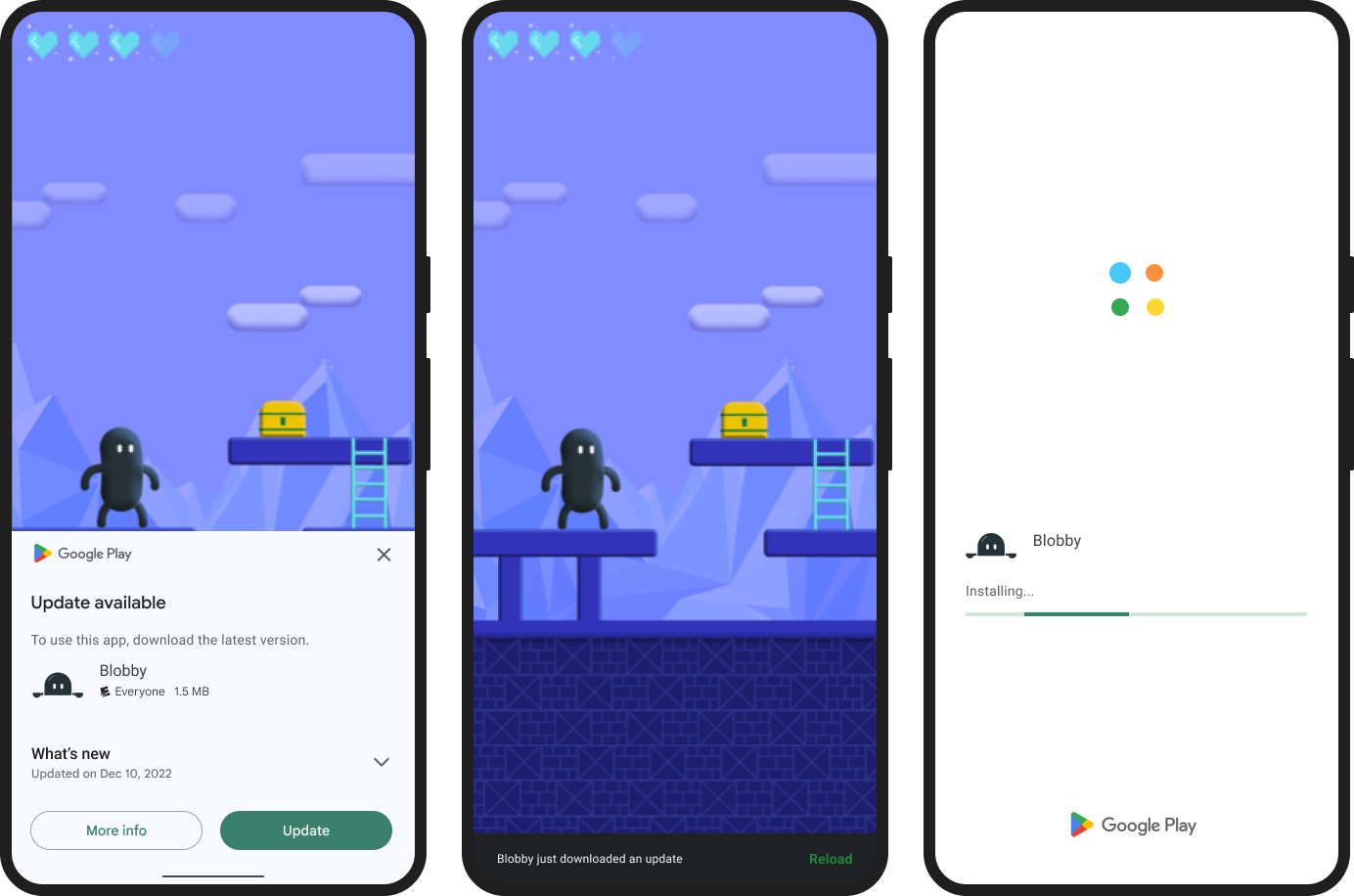
Google Play immediate and flexible updates on Android, with download progress and install handling.
Update UI you can style
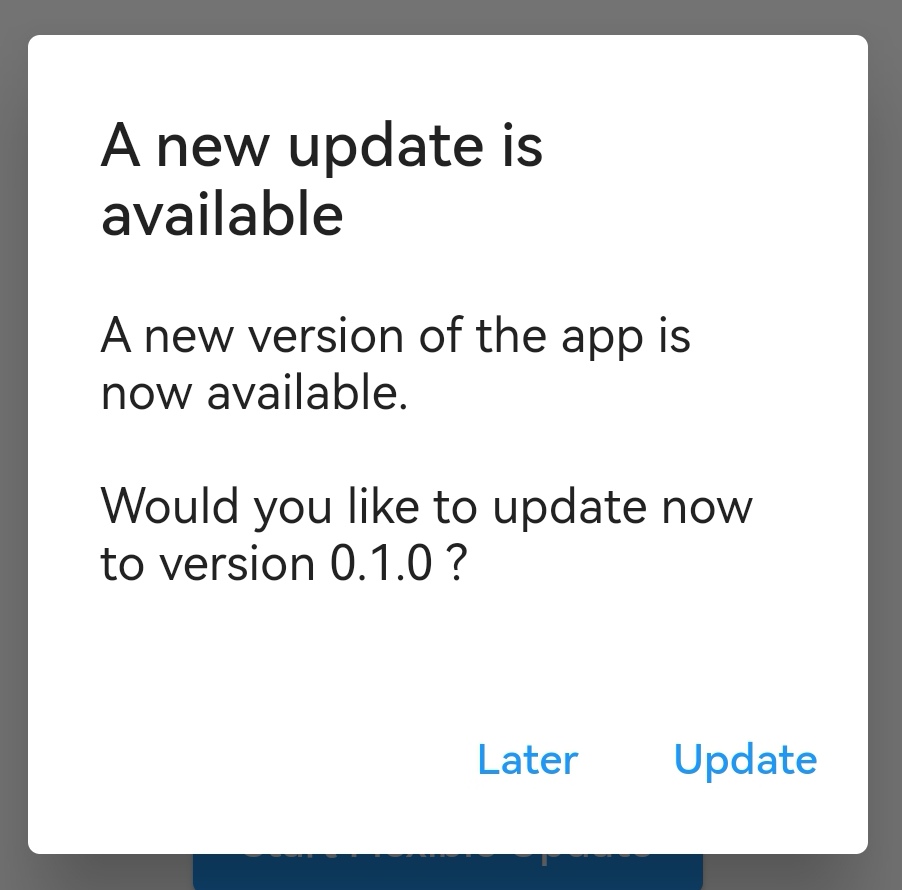
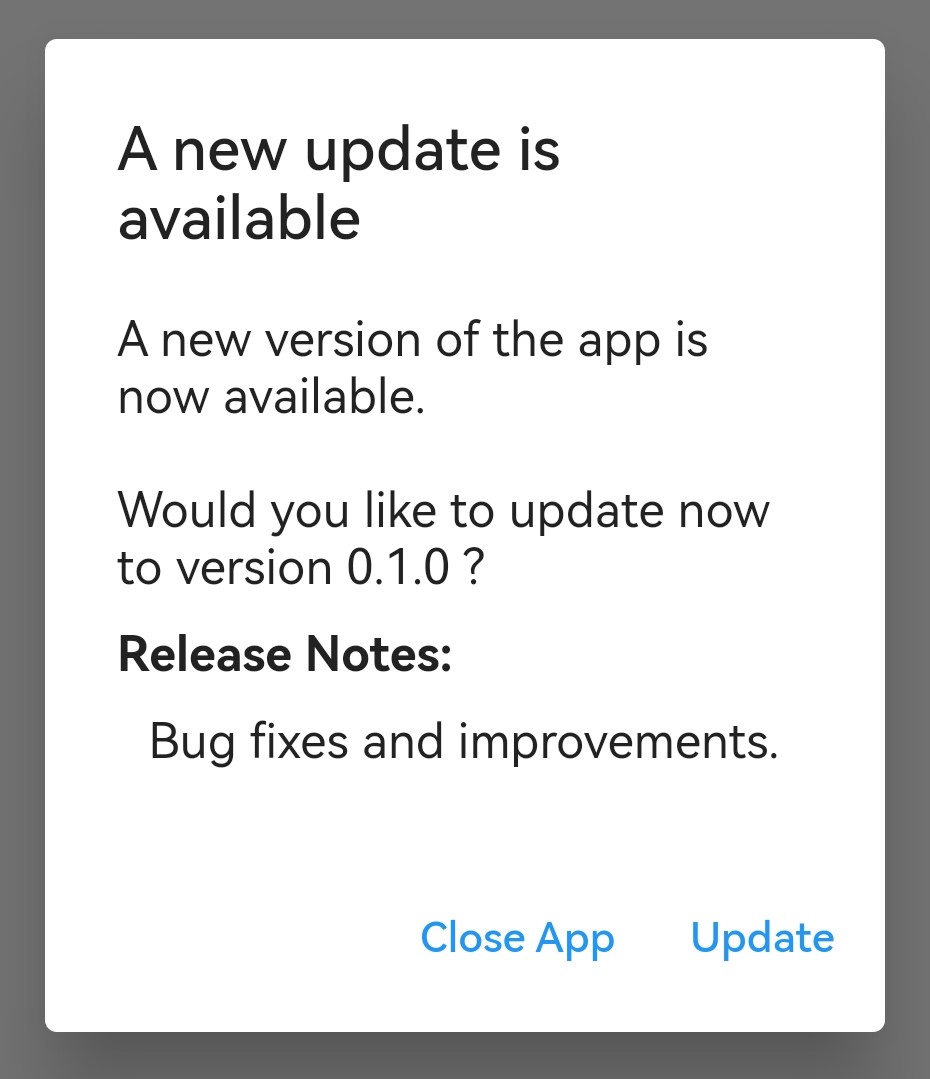
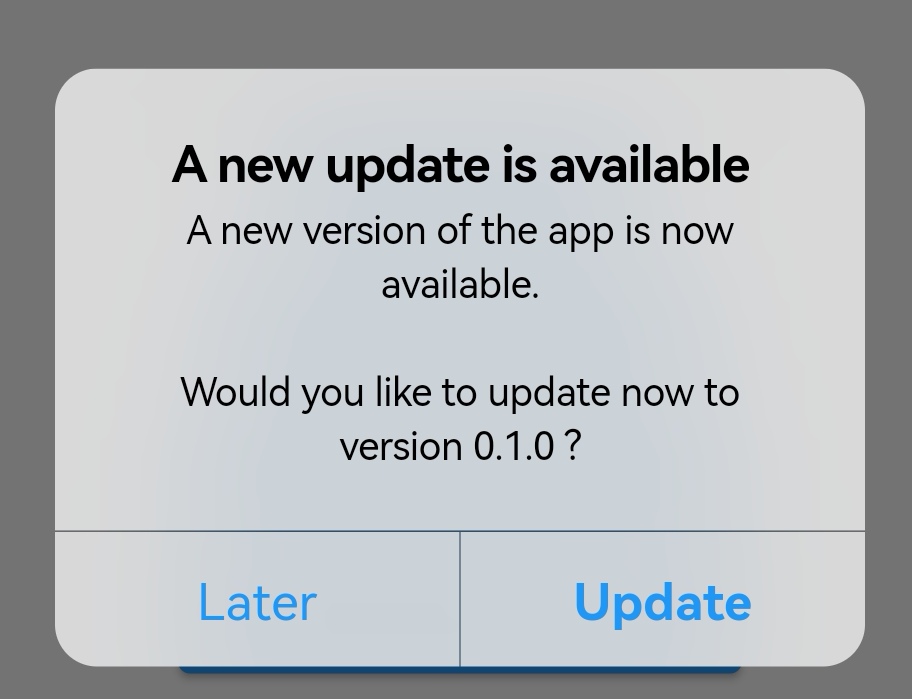
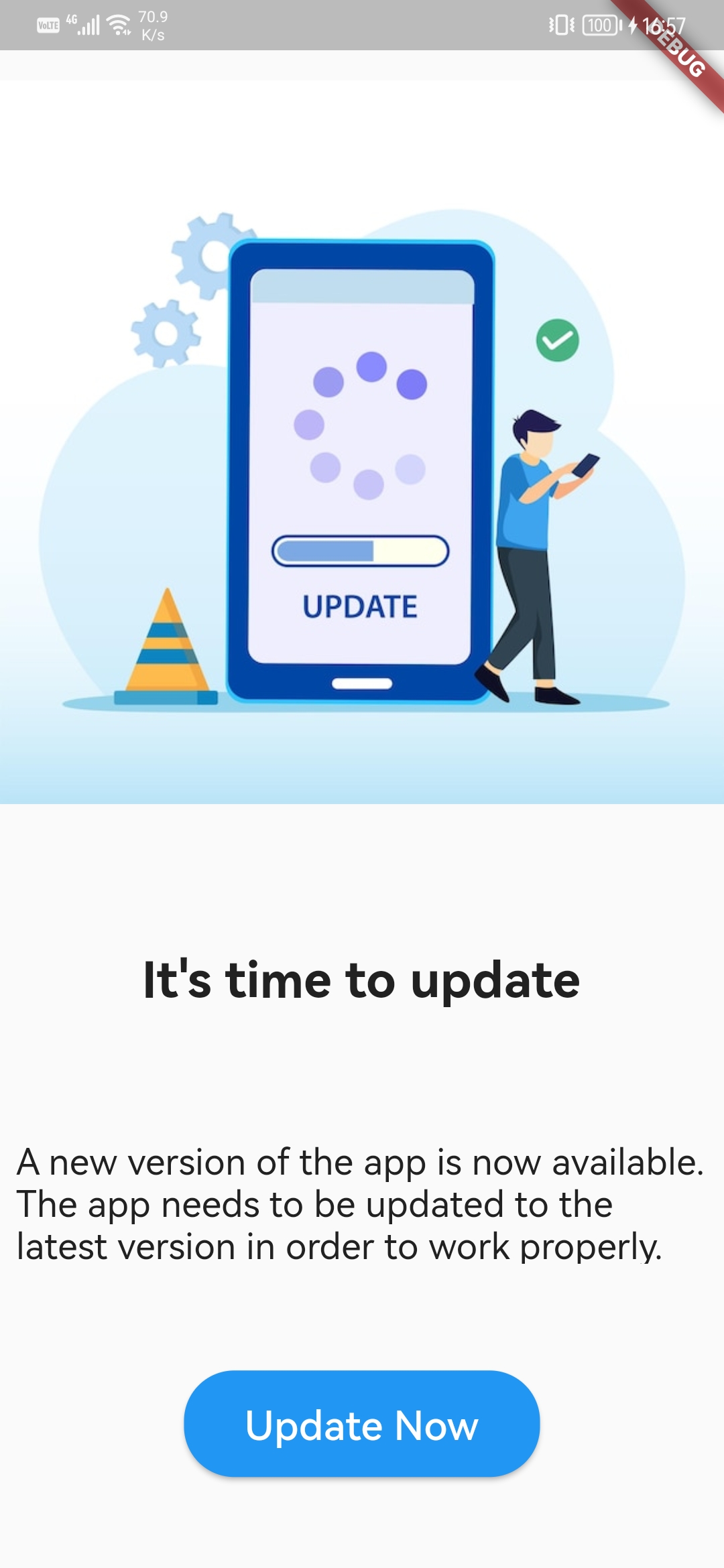
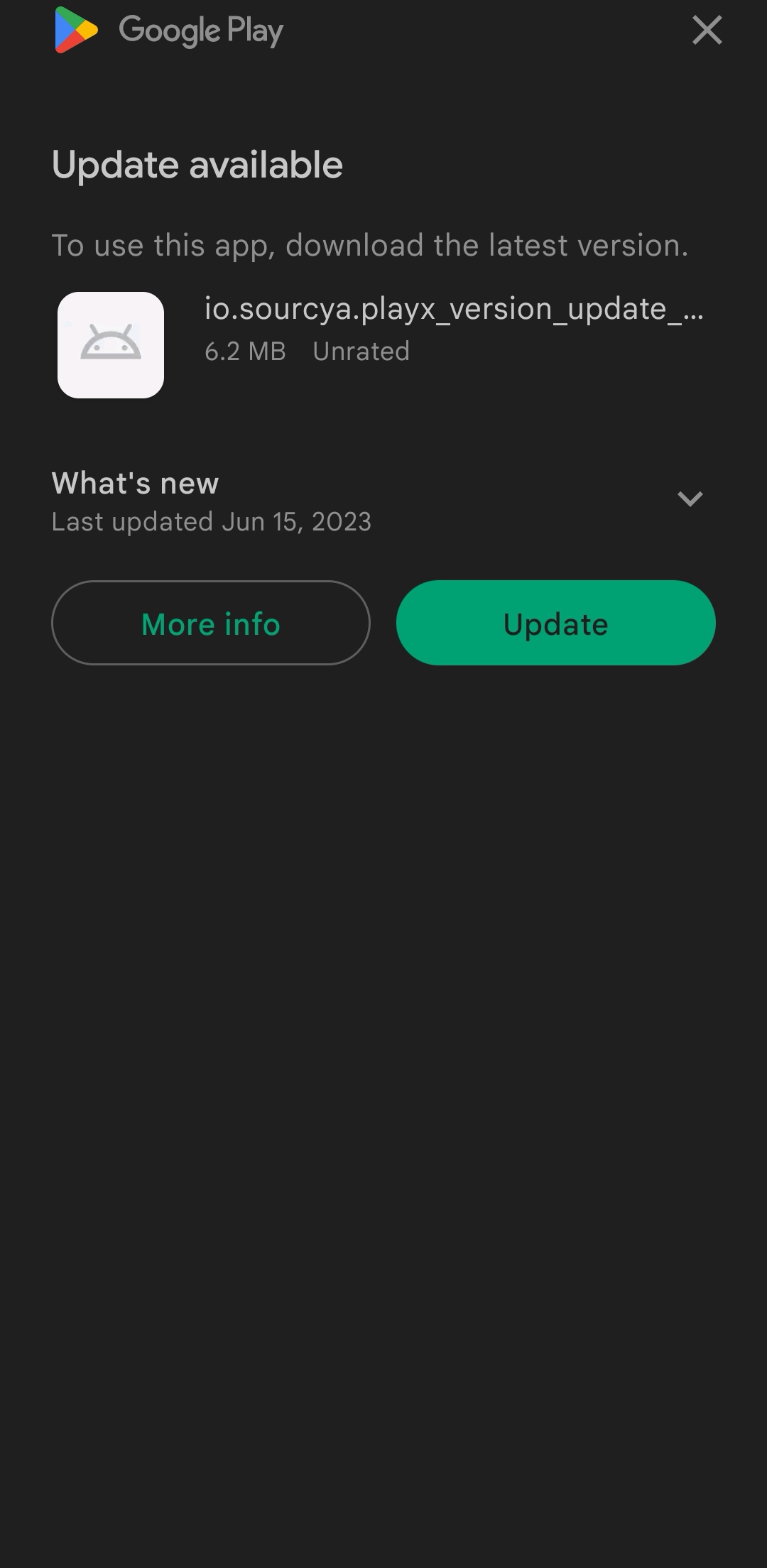
A platform-adaptive dialog and a full-screen page. Change texts, styles, release notes, buttons and dismissal.
Minimum versions
Force an update below a minimum version, per platform, from the store description or from your own config.
Later and Skip
Remember "Later" and "Skip this version" with pluggable storage, so users are not nagged on every launch.
Events and error codes
Analytics callbacks for every step and stable error codes with retry hints, so you can react to each failure.
One call to ask users to update
showUpdateDialog checks the store, compares versions and shows the right dialog for the platform. Everything else is optional.
final result = await PlayxVersionUpdate.showUpdateDialog(
  context: context,
  uiOptions: PlayxUpdateUIOptions(
    showReleaseNotes: true,
    dismissButtonText: 'Later',
  ),
  // Remember "Later" and let users skip a version.
  reminderOptions: PlayxUpdateReminderOptions(allowSkipVersion: true),
);
What your users see