Playx Version Update




Keep your Flutter users on the latest version of your app. Playx Version Update finds new versions, shows an update dialog or page you can style, and runs native in-app updates on Android.
📚 Documentation · 🔄 Migrating to 2.0 · 🧩 API reference
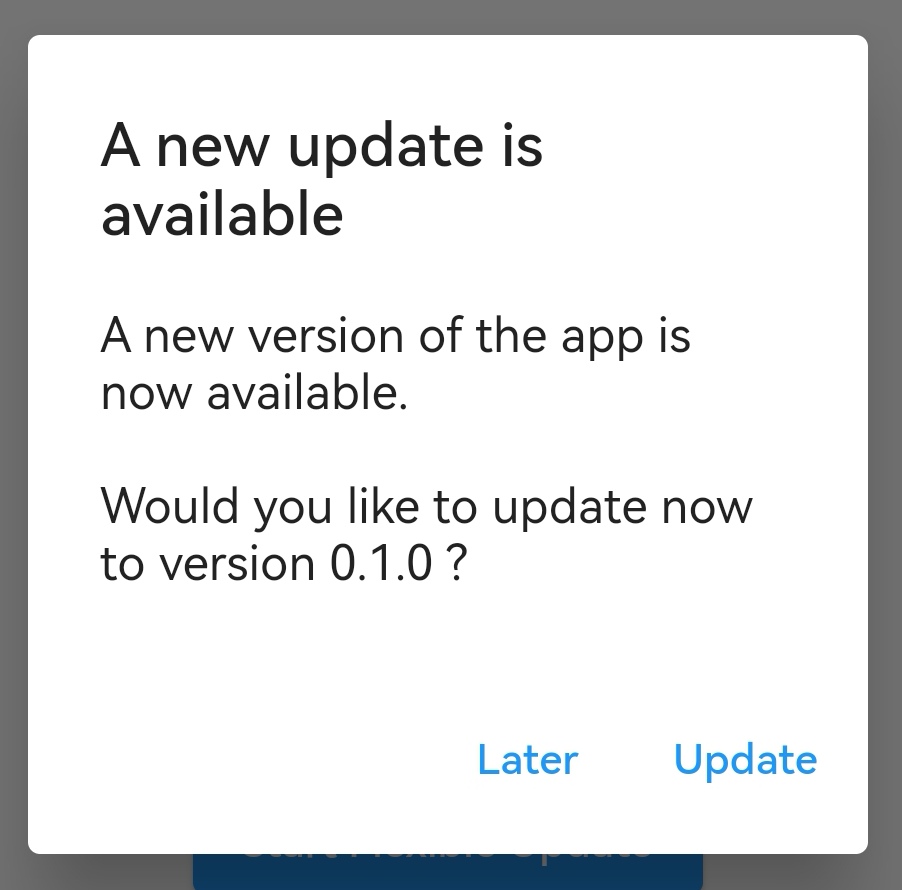
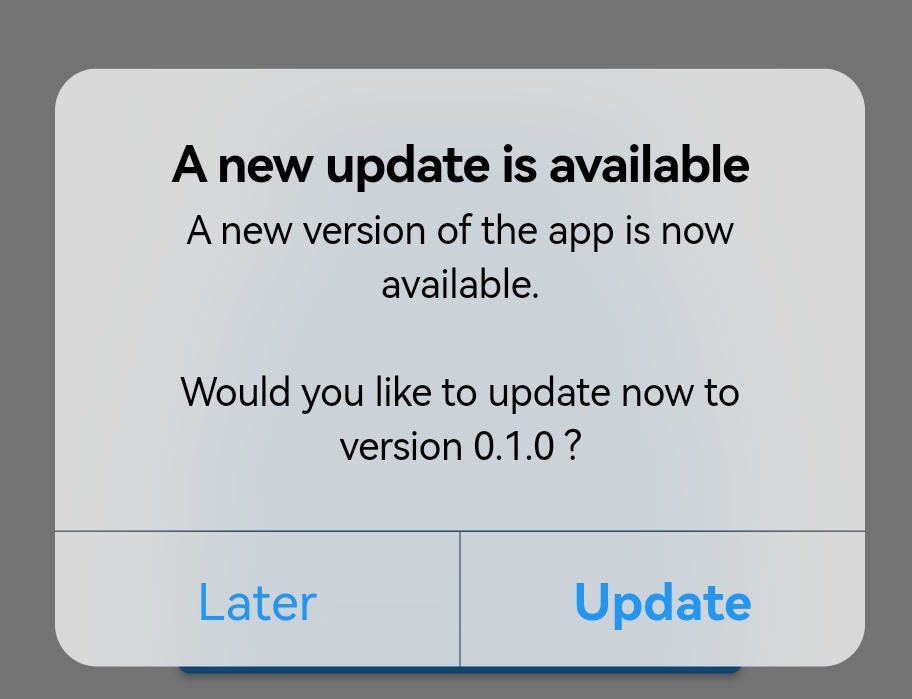
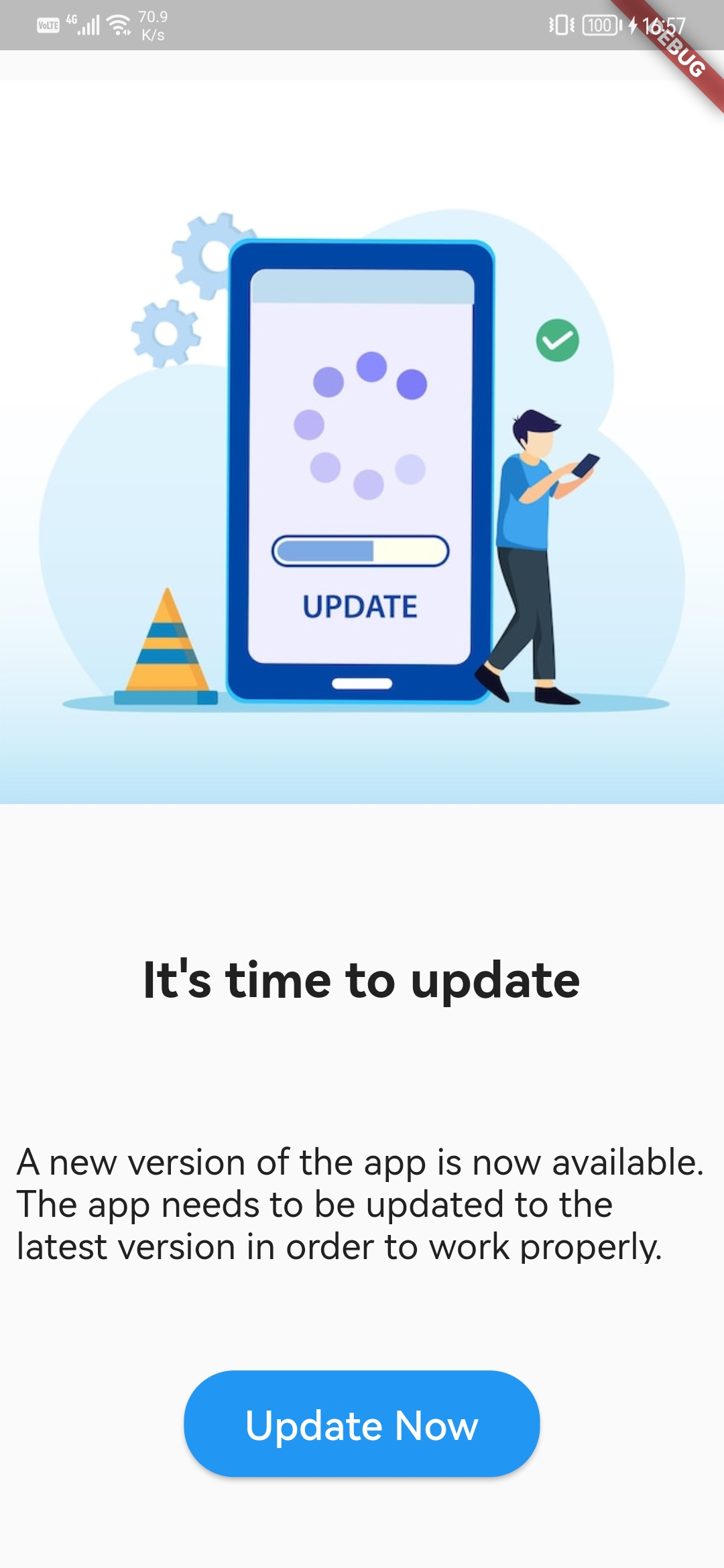
Features
- 🔎 Finds new versions on Google Play, the App Store and the Mac App Store, or from your own backend or Firebase Remote Config with pluggable version sources.
- 📲 Native Android in-app updates: immediate and flexible, with download progress.
- 🎨 Customizable update UI: a platform-adaptive dialog and a full-screen page, with your texts, styles and release notes.
- 🔒 Minimum versions: force an update below a version, per platform.
- ⏰ "Later" and "Skip this version" with pluggable storage.
- 📊 Events for analytics and stable error codes with retry hints.
- 🏪 Opens the store app with deep links, with a hook for your own launcher.
- ⚙️ Network control: retries, timeouts, headers, your own
Dio, request logging.
| Platform | Version lookup | Update dialog | In-app update |
|---|---|---|---|
| Android | Google Play | Material | Google Play |
| iOS | App Store | Cupertino | opens the App Store |
| macOS | Mac App Store | Cupertino | opens the Mac App Store |
| Windows, Linux | custom version source | your own UI | n/a |
Installation
dependencies:
  playx_version_update: ^2.0.0-beta.1
2.0 is in beta. A normal
^1.3.0constraint keeps resolving to 1.3.0 until 2.0.0 is released. Try the beta with the line above and report problems.
Requires Dart 3.10+ and Flutter 3.38.1+. On sandboxed macOS apps add the
com.apple.security.network.client entitlement
(details).
Quick start
Ask users to update with one call:
await PlayxVersionUpdate.showUpdateDialog(context: context);
Customize it, and remember "Later" and "Skip this version":
await PlayxVersionUpdate.showUpdateDialog(
  context: context,
  uiOptions: PlayxUpdateUIOptions(
    showReleaseNotes: true,
    dismissButtonText: 'Later',
  ),
  reminderOptions: PlayxUpdateReminderOptions(
    snoozeDuration: Duration(days: 3),
    allowSkipVersion: true,
  ),
);
Or only check the version and build your own UI:
final result = await PlayxVersionUpdate.checkVersion();

result.when(
  success: (info) {
    if (info.canUpdate) print('Update to ${info.newVersion}');
  },
  error: (error) => print('${error.errorCode}: ${error.message}'),
);
Start a Google Play in-app update on Android (an update dialog on iOS and macOS):
await PlayxVersionUpdate.showInAppUpdateDialog(
  context: context,
  type: PlayxAppUpdateType.flexible, // or PlayxAppUpdateType.immediate
);
Take versions from your own backend or Remote Config instead of the stores:
PlayxUpdateOptions(
  versionSource: PlayxCallbackVersionSource((request) async {
    return PlayxRemoteVersionInfo(version: await fetchLatestVersion());
  }),
)
Learn more
| Check for updates | the result, the options, the errors |
| Update dialog and page | showing updates, forced updates |
| Android in-app updates | immediate, flexible, progress, resume |
| Version sources | Remote Config, your backend, per-platform values |
| Opening the store | deep links, your own launcher |
| Troubleshooting | common errors and fixes |
| Testing | test without the stores, in-app update testing |
The example app shows every feature on Android, iOS and macOS.
Contributing
Issues and pull requests are welcome at
github.com/playx-flutter/playx_version_update.
Run flutter analyze and flutter test before opening a pull request. The documentation lives in
website/ (Docusaurus): cd website && npm install && npm start.
License
MIT, see LICENSE.